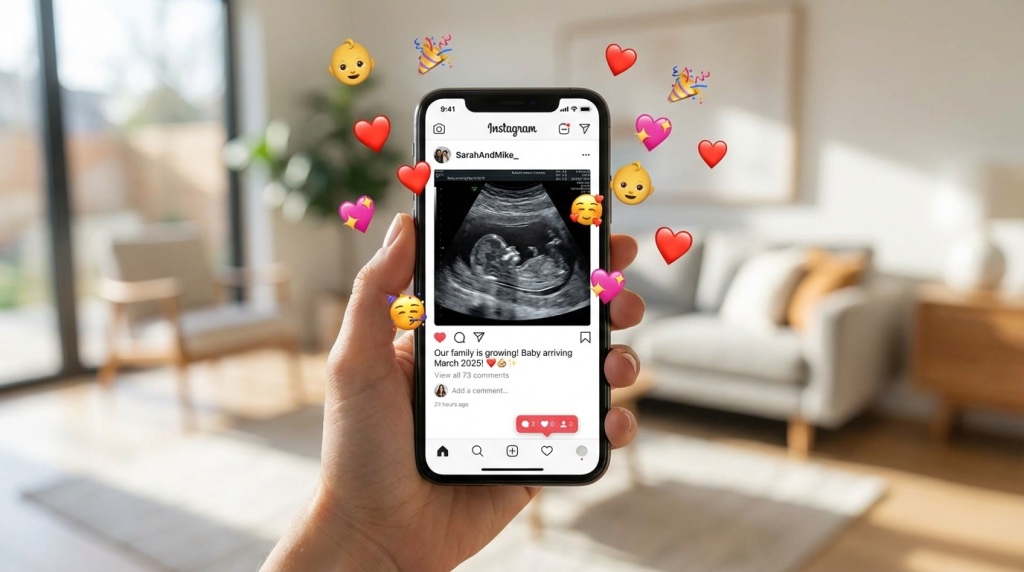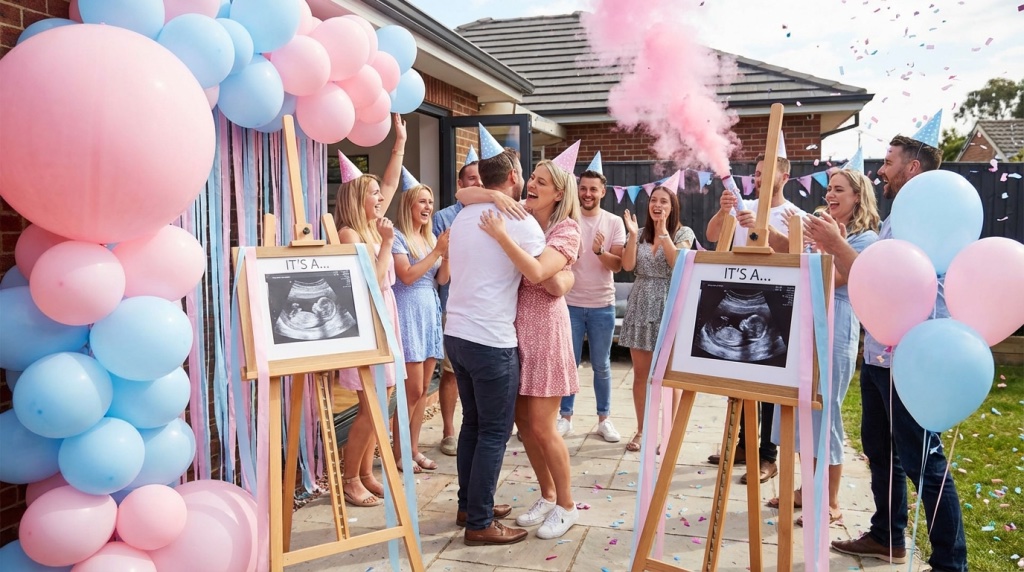
You have decided to get a fake ultrasound. Good choice. But here is what most people miss: the customization makes or breaks the result. A generic ultrasound with “Jane Doe” and yesterday’s date? Nobody believes it. A personalized one with the right name, realistic date, and proper hospital info? People react to it.
I have customized hundreds of fake ultrasounds, helping people nail every detail for announcements, pranks, and film props. I will walk you through every field and how to get each one right.
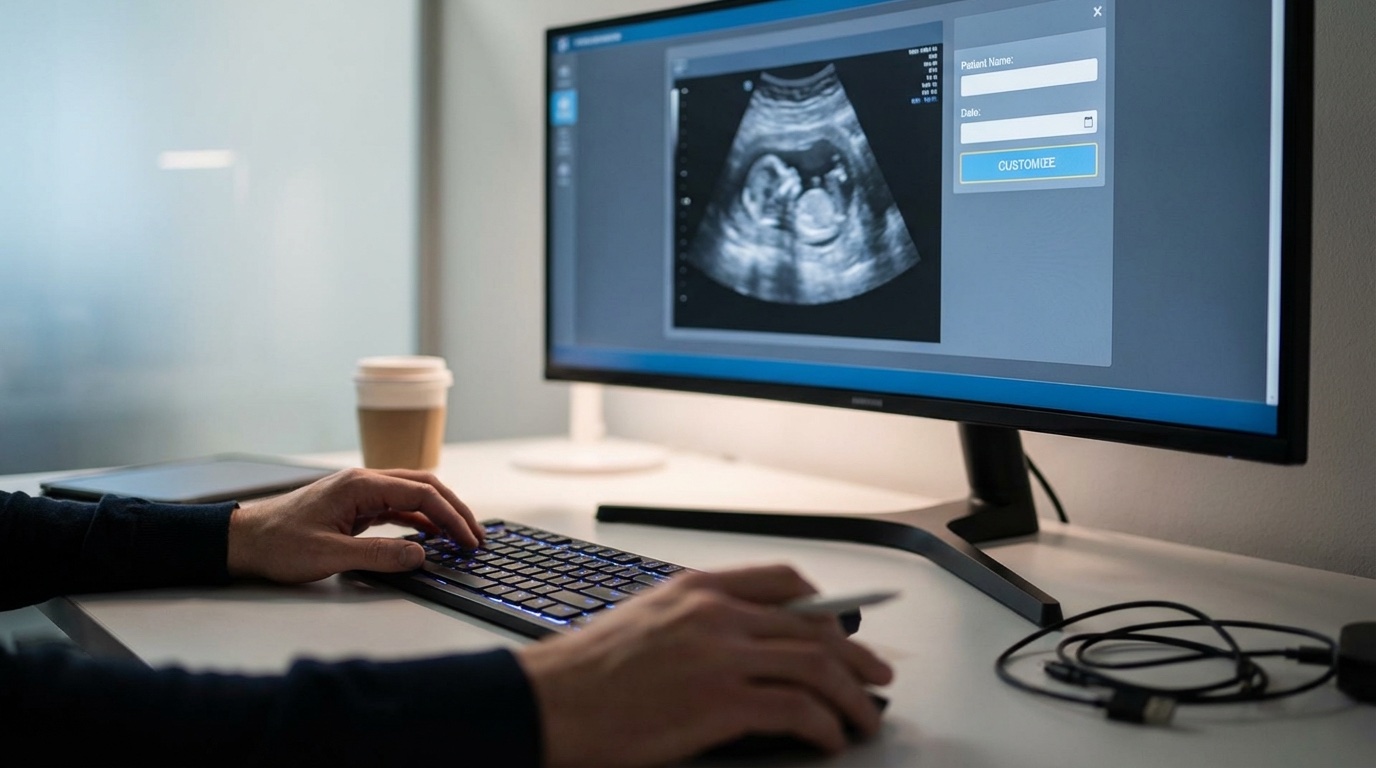
Every Customization Field Explained
A professional-quality fake ultrasound has more customizable elements than most people expect. Here is the complete breakdown:
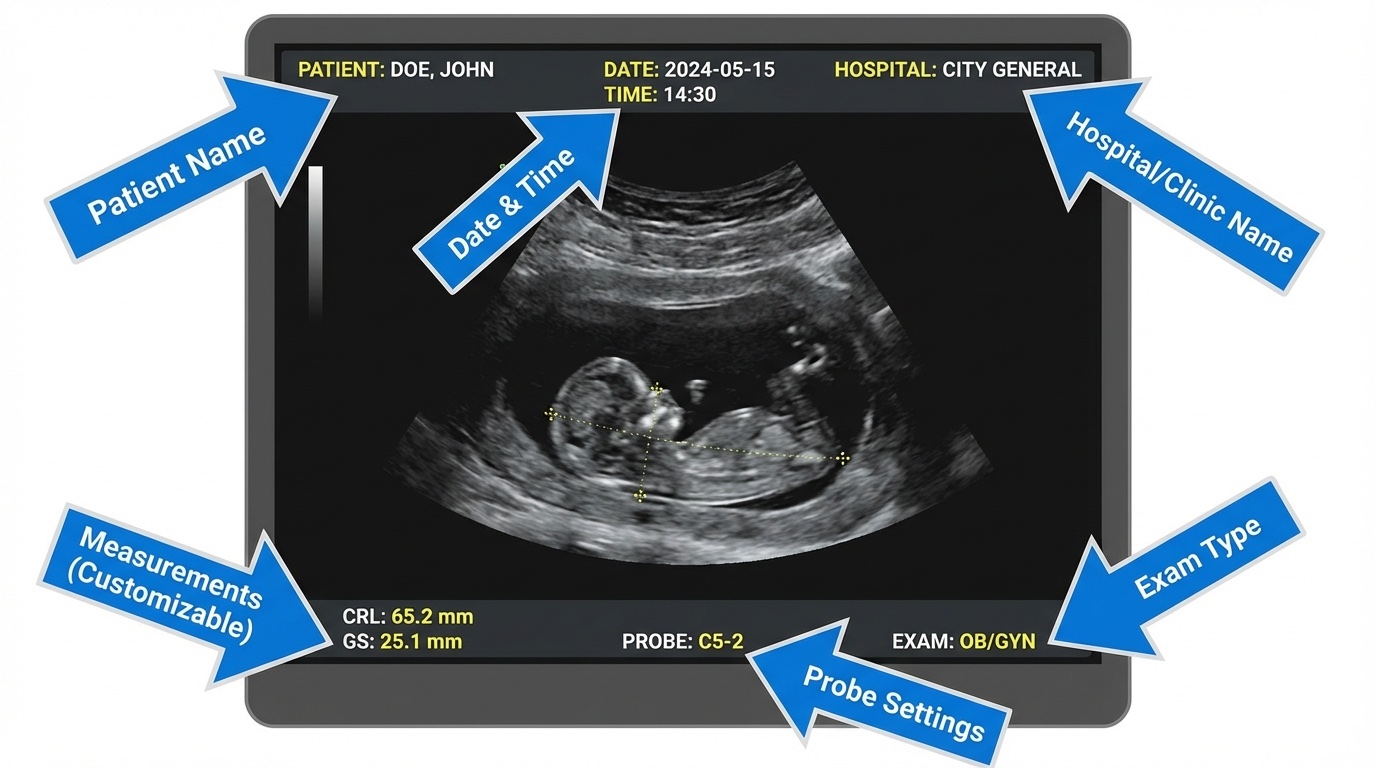
Patient Information Fields
- Patient Name: Usually displayed as “Last, First” in the header
- Date of Birth: Patient’s DOB, sometimes shown, sometimes not
- Patient ID: A medical record number (any sequence works)
Scan Information Fields
- Scan Date: When the “ultrasound was taken”
- Hospital/Clinic Name: The medical facility
- Sonographer/Tech Name: Who “performed” the scan
- Referring Physician: The doctor who ordered it
Medical Measurement Fields
- Gestational Age (GA): How far along the pregnancy is
- Estimated Due Date (EDD): The projected delivery date
- Crown-Rump Length (CRL): Baby measurement
- Heart Rate (FHR): Fetal heart rate in BPM
Getting the Name and Date Right
These two fields trip up most people. Here is how to nail them:
The Name Field
Real ultrasounds display the name in one of these formats:
- DOE, JANE (most common, all caps, last name first)
- Doe, Jane M. (with middle initial)
- JANE DOE (some facilities use first-last)
What to avoid:
- Fancy fonts or stylized text
- Nicknames (use the legal name)
- Missing middle initial if you would normally include one
The Date Field
The scan date needs to make sense with your story. Think about:
- For announcements: Make it recent (within 1-2 weeks of when you are sharing)
- For pranks: “Today” or “yesterday” adds to the shock factor
- For props: Match it to your script timeline
Common date formats on real ultrasounds:
- MM/DD/YYYY (most common in US)
- DD/MM/YYYY (common outside US)
- DD-Mon-YYYY (like 15-Jan-2026)
Hospital Information for Authenticity
The hospital/clinic information adds a layer of believability. Here is how to handle it:
Using a Real Hospital Name
If you want maximum realism, use the name of an actual hospital near where you (or the “patient”) live. This works well for:
- Pregnancy announcements to family
- Film props set in specific locations
Look up “OB/GYN” or “prenatal care” near your location and use a real facility name.
Using a Generic Name
For pranks or when you do not want location specificity, generic names work well:
- Women’s Health Center
- Regional Medical Center – OB
- Family Practice Associates
- Prenatal Care Clinic
The Sonographer Name
Most people skip this detail, but real ultrasounds often include the tech’s name or initials. Common formats:
- Tech: S. Johnson
- Sonographer: Smith, M.
- Initials only: MJS
Pick something generic. Common last names work best.
Gestational Age and Measurements
This is where things get technical, but getting it right matters for believability.
Gestational Age (GA)
This is displayed in weeks and days, like “GA: 12w3d” (12 weeks, 3 days). Your gestational age should match:
- The size of the baby in the image
- Your announcement timeline (how “far along” you want to appear)
- The type of ultrasound image used
Quick reference for what you see at different stages:
| Gestational Age | What is Visible | Best For |
|---|---|---|
| 6-8 weeks | Small blob, heartbeat visible | Early announcements |
| 10-12 weeks | Baby shape forming, limbs visible | First trimester reveals |
| 18-22 weeks | Clear profile, detailed features | Gender reveals, main announcements |
| 28+ weeks | Face details, 3D/4D possibilities | Later reveals, keepsakes |
Measurements to Include
Depending on the gestational age, you might want these measurements:
- CRL (Crown-Rump Length): Used in early pregnancy. At 12 weeks, typically around 5.5-6.5 cm.
- BPD (Biparietal Diameter): Head measurement for later scans. At 20 weeks, around 4.5-5 cm.
- FHR (Fetal Heart Rate): Usually between 120-180 BPM, with 140-160 being most common.
Advanced Customization Options
Want to take customization further? Here are advanced options from professional services like BabyMaybe:
Gender Indicators
Some ultrasounds include gender-revealing elements:
- The classic “hamburger” vs “turtle” shapes (if you know, you know)
- Text annotation: “It is a Girl!” or “It is a Boy!”
- Color tinting (subtle pink or blue overlay)
Multiple Babies
Twin or triplet ultrasounds are available for extra shock value. These require proper positioning and separate measurement sets for each baby. Check out our guide on creating a fake ultrasound with twins.
3D/4D Style Images
These show the baby’s face and features in detail. They are impressive but also harder to customize since every element is more visible. Best to get these from a professional service.
Video Ultrasounds
Some services offer video files showing movement. This is the ultimate in realism but also the most complex to customize.
Customization Mistakes to Avoid
After seeing countless fake ultrasounds, I spot the bad ones instantly. Here is what to avoid:
Mistake #1: Inconsistent Dates
If your ultrasound says “12 weeks” but shows a clearly developed 20-week baby image, someone is going to notice. Match the image to the gestational age.
Mistake #2: Wrong Font Choices
Medical equipment uses specific system fonts, usually something like Arial, Helvetica, or a monospace font. Comic Sans or fancy script fonts are instant giveaways. See more tips in our guide to making fake ultrasounds look realistic.
Mistake #3: Forgetting the Technical Overlay
Real ultrasounds have technical info along the edges: depth markers, frequency settings, gain levels. Missing these details makes it look “too clean.”
Mistake #4: Perfect Image Quality
Real ultrasounds have some grain, shadows, and imperfections. An ultra-crisp, perfectly lit image looks fake. Good services add appropriate noise and artifacts.
Mistake #5: Unrealistic Hospital Names
“Dr. Bob’s Baby Scans” is not fooling anyone. Use real or realistic-sounding medical facility names.
DIY Customization vs. Using a Service
You have got two paths here:
DIY Approach
If you are handy with photo editing (Photoshop, GIMP, Canva), you customize a template yourself. This works for:
- Basic pranks where scrutiny is minimal
- Quick one-time uses
- When budget is tight
Check out our complete guide to making a fake ultrasound for the DIY process.
Professional Service Approach
Services like Baby Maybe Fake Ultrasounds handle all customization for you. You provide the details and they create a realistic result. This is better for:
- Important announcements to family
- When the recipient will look closely
- When you want zero risk of obvious mistakes
- Film/theater productions
Frequently Asked Questions
How long does customization take?
DIY: A few hours if you are learning the software. Professional services typically deliver within 24-48 hours, with rush options available.
Is it possible to change the customization after ordering?
Most professional services offer revision rounds. With Baby Maybe, you request changes before final delivery.
What if I spelled the name wrong?
If you catch it before printing, re-edit the file (DIY) or request a revision (from a service). If it is already printed, you will need to start over.
Should I include my real hospital name?
For announcements to family who know where you would go, yes, it adds authenticity. For pranks or props, generic names are fine.
What is the hardest part of customization?
Getting the measurements and gestational age to match the image. If you use a professional service, they handle this matching for you.
Is it possible to customize a video ultrasound?
It is possible but much harder than static images. Video customization usually requires professional services and costs more.
Ready to Create Your Custom Fake Ultrasound?
Customization transforms a generic fake ultrasound into something people believe, whether for a heartfelt announcement, an epic prank, or a professional production prop. Get the details right, and no one will question it.
Need help deciding which customization approach is right for you? Check out our custom vs template comparison or see our picks for the best fake ultrasound websites.